
100% Hosted in the eu
Audit preparation usually means weeks of screenshots, exports and chasing colleagues for proof that controls actually work. Automated Control Monitoring removes that job. ISOPlanner™ connects to Microsoft services and external systems, runs security and configuration checks automatically, and turns the results into compliance evidence and tasks.
Instead of assembling proof once a year under pressure, your evidence is produced as an output of the checks themselves. When something is wrong, it becomes a task. When something is right, it becomes evidence against the relevant control.
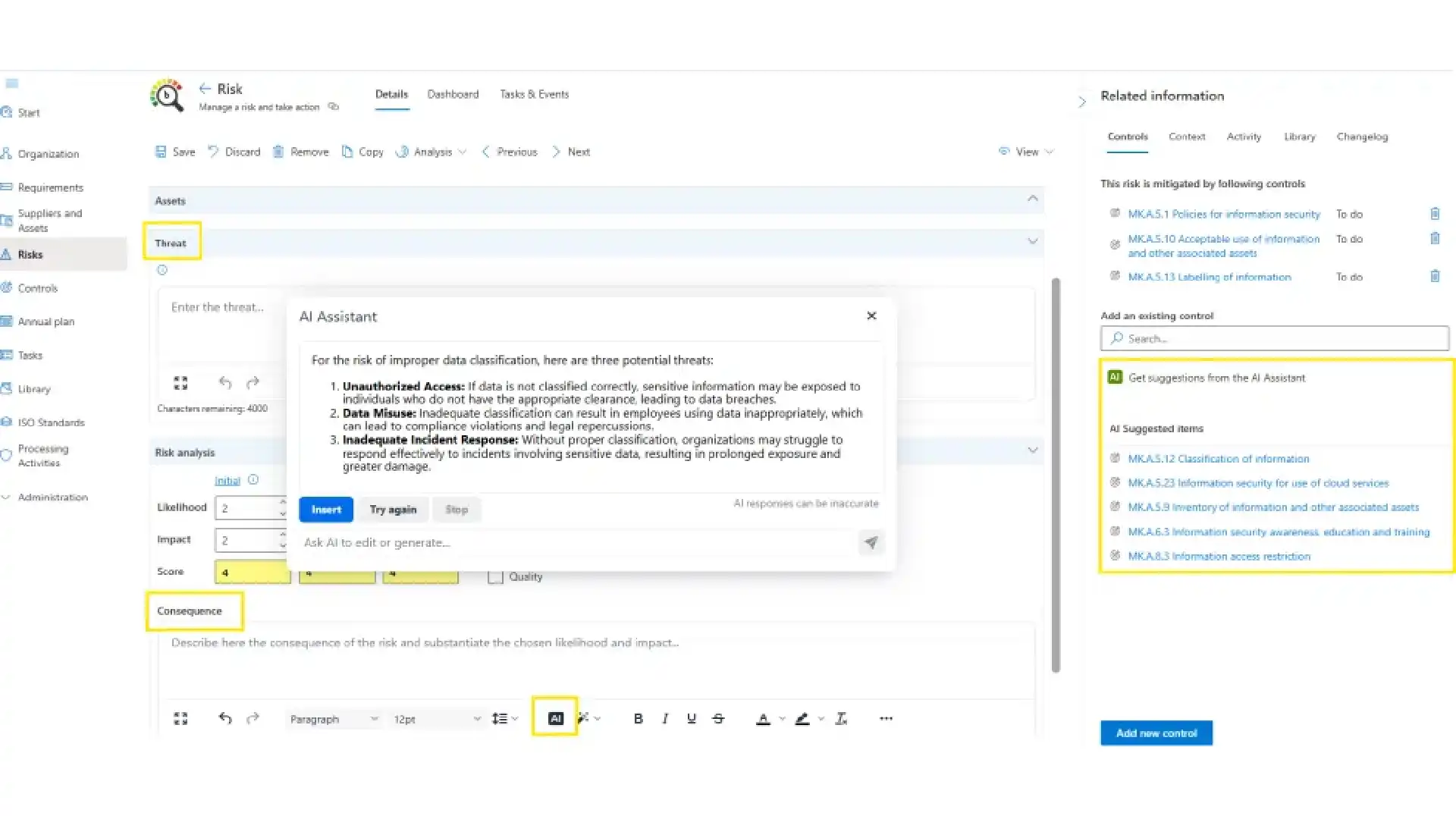

Every check follows the same simple pattern. Connect ISOPlanner™ to the service in question. The check runs automatically and records its result as evidence against the relevant control or controls. When a check finds users or systems that are not compliant, it can automatically create tasks so the right people fix the right thing. For ISO 27001 users, it also links the controls to the annual plan entry, so monitoring and planning stay in one line.You switch on each check individually via the Administration / Store menu. Every check starts with a 30 day trial, then continues for a paid monthly fee of around 10 EUR per month per check. Activate only what you need.
Microsoft Entra ID - Multi-Factor Authentication (MFA) connects to Microsoft Entra ID and checks whether your users have MFA enabled. It goes a step further than a simple list: it also reviews your Conditional Access policies to see whether MFA is actually enforced, and shows which users have MFA disabled and which are exempted via Conditional Access.When users who are not compliant are found, the evidence is marked "Rejected", so the gap is visible instead of buried. From there you can exempt selected users or groups where that is a deliberate choice, or generate compliance tasks to close the gap. Reviewing Conditional Access requires Microsoft Entra ID P1 or P2 licensing.
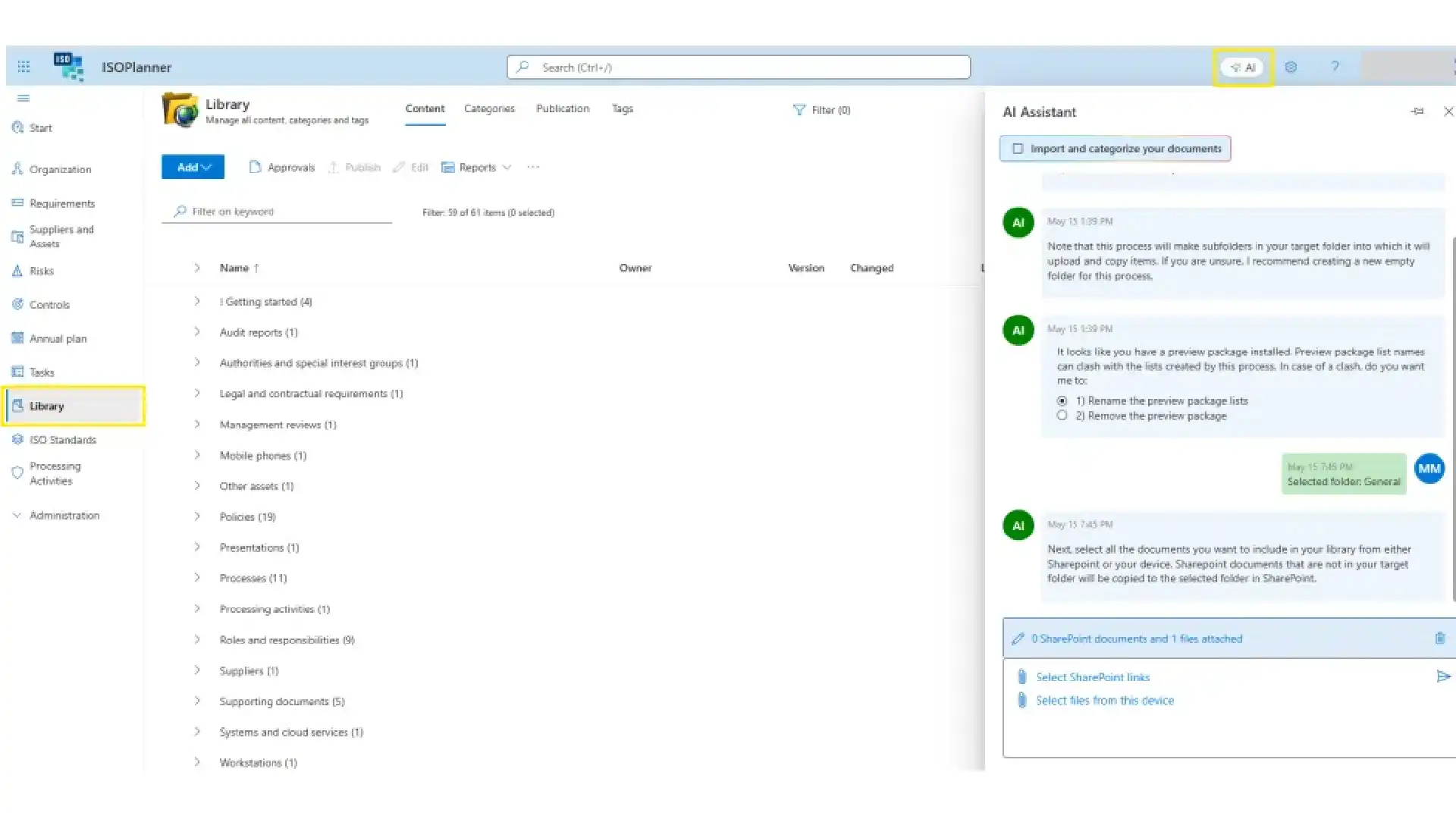
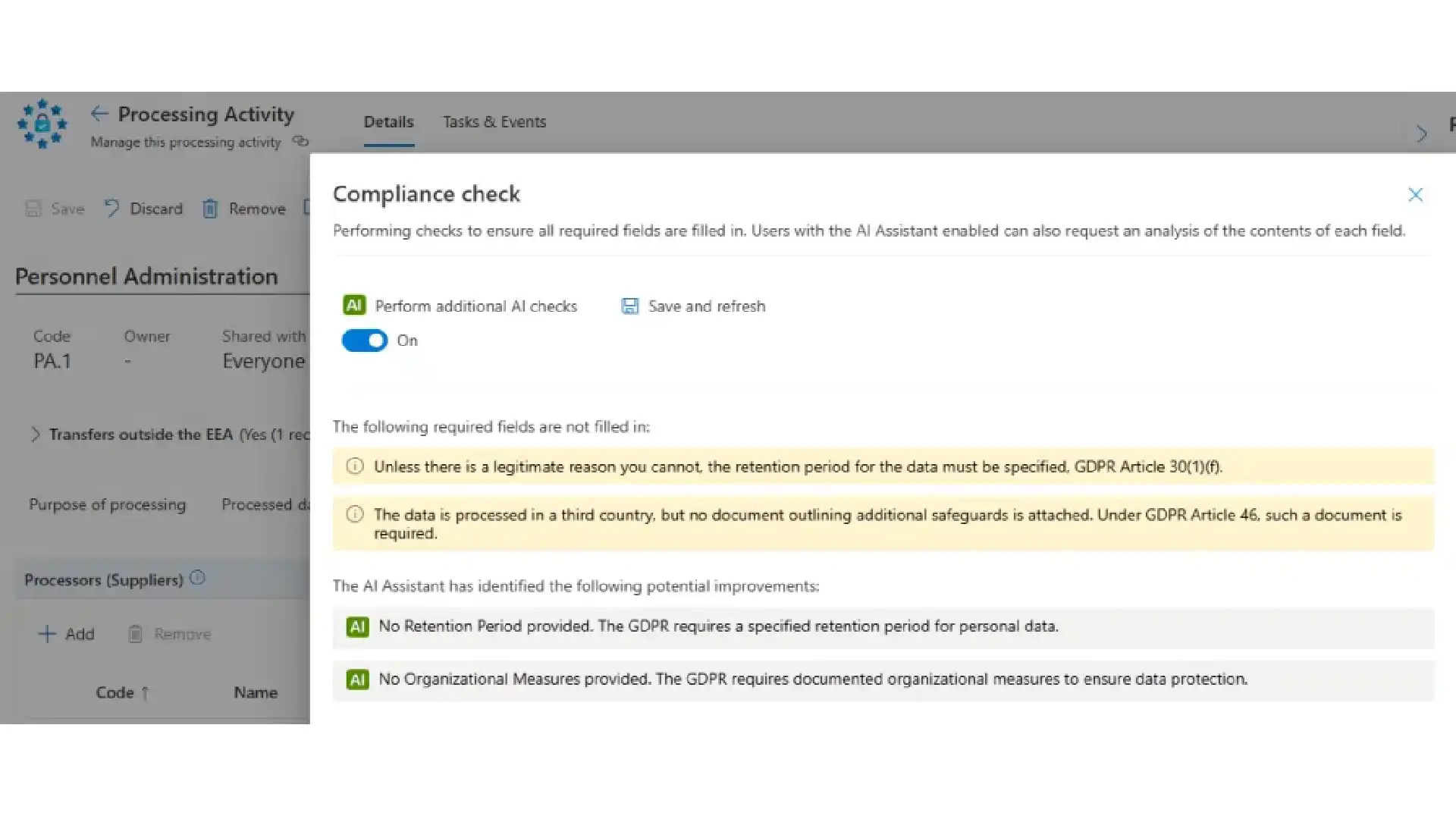
Microsoft Secure Scores - Microsoft 365 connects to Microsoft Secure Scores via the Microsoft Defender portal and evaluates security recommendations across Identity, Devices, Device Exposure and Microsoft 365, producing a composite score. It works as a measurement metric rather than a simple pass or fail: you get a score, with a link straight to the Defender portal to act on the underlying recommendations. It needs at least a Microsoft 365 Business Basic license.
If you want to focus on one area, the same capability is available as Microsoft Secure Scores - Identity, Microsoft Secure Scores - Devices, and Microsoft Secure Scores - Device Exposure.
Microsoft 365 is only part of your surface. SSL Labs - TLS/SSL Security Rating connects to SSL Labs to evaluate the TLS/SSL security posture of your public websites. You add one or more websites, define the acceptable score threshold, and can pick a task template for the follow up.When a website falls below your threshold, ISOPlanner™ creates tasks and links the controls to the annual plan entry. Your web security stops being something you remember to test and becomes something that is measured against a standard you chose.
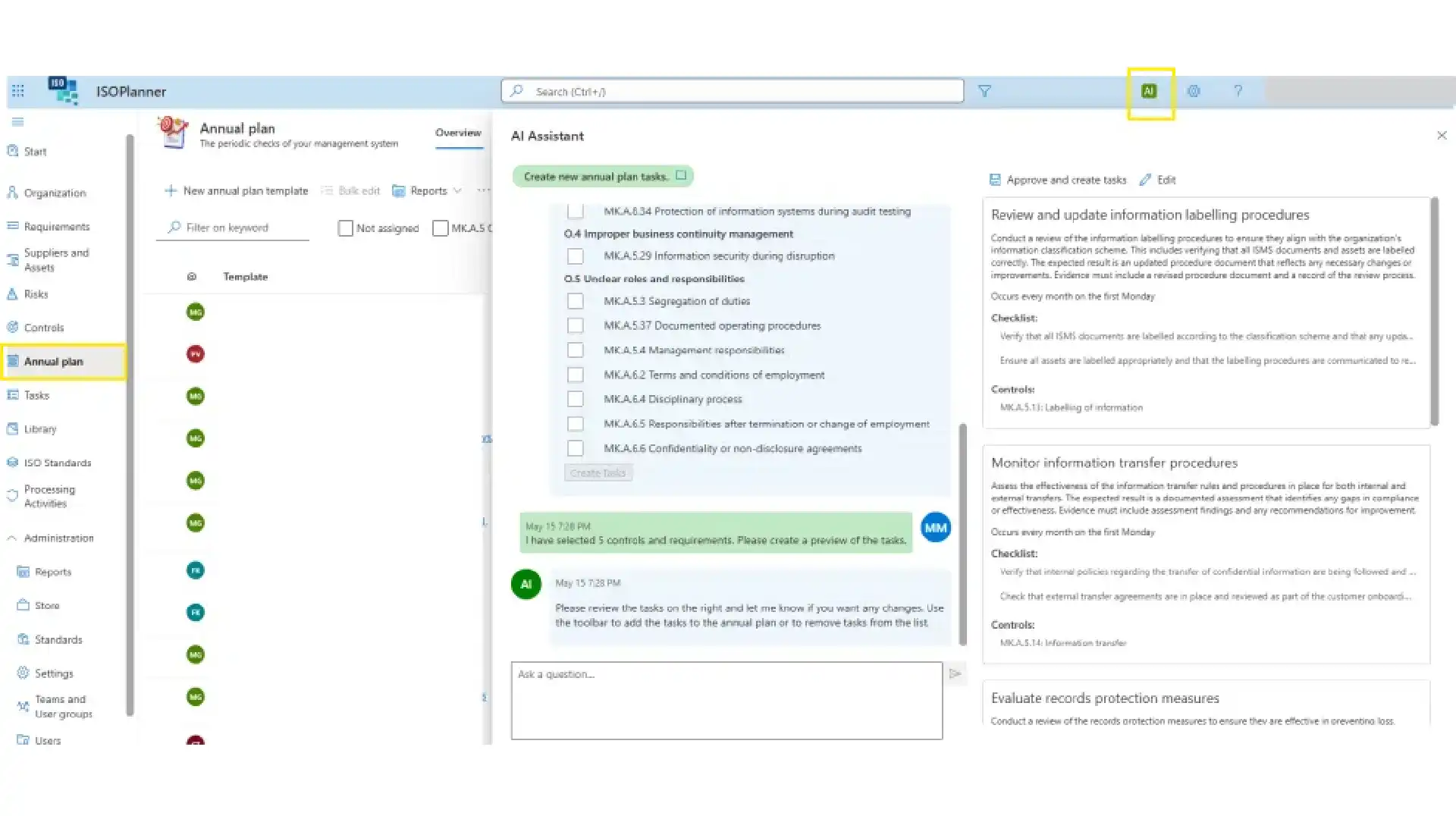
With the SharePoint integration you store documents and evidence safely in SharePoint, with support for approvals and publication in ISOPlanner™. Your policies, procedures and evidence stays in your own Microsoft environment, governed the way the rest of your documents are.
The Microsoft Entra ID integration for users and teams (automatic team synchronization) means authorisation runs on Microsoft Entra ID: only users with an Entra ID or guest account can be given permissions in ISOPlanner™. It uses Microsoft Entra ID Groups, with group inheritance, to synchronise users, so access follows your existing directory instead of a parallel user list.
Compliance work only gets done when it lands where people already work. The Outlook integration for creating tasks as appointments lets you create and manage ISOPlanner™ tasks from Outlook, delivered through the Tasks in Outlook email add-in and the Task Outlook Calendar add-in.Inside Microsoft Teams, the Library Teams app and the Tasks Teams app bring your compliance library and tasks into the conversation where work is discussed.
The Microsoft Planner integration for synchronizing tasks to your teams pushes ISOPlanner™ tasks into Microsoft Planner. Compliance work lands on the same boards your teams already use to track their day to day, instead of waiting in a separate system someone has to remember to open.
The Microsoft Secure Scores integration for realtime insights surfaces your Microsoft Secure Scores inside ISOPlanner™, so security posture is something you can watch day to day, not only when a control is being assessed. Secure scores results are turned into audit evidence, this keeps the live number in front of you between assessments.
The Microsoft Power BI integration for creating custom reports lets you publish and refresh ISOPlanner™ data into Power BI and ISOPlanner™ dashboards, so management sees compliance in the same reporting environment as the rest of the business.
The Microsoft Power Automate integration to create custom workflows connects your wider toolset to ISOPlanner™. The ISOPlanner™ connector for Microsoft Power Automate reaches many apps, including Microsoft Dynamics 365, SharePoint, Teams and products outside Microsoft. Build workflows that respond to ISOPlanner™ events or perform actions such as creating tasks and managing the library.Teams commonly use it for incident handling, document approval, supplier assessment and evidence collection, the repetitive steps around a control that are easy to forget and expensive to miss.


Log in to your ISOPlanner™ workspace, or start a free trial.
Log in Start your free trial